Kroger In-Store Shopping Experience
Scan items, pay in-app, and skip long checkout lines
Challenge
Reducing friction in the in-store grocery experience requires improving navigation, streamlining checkout, and lowering cognitive load, while maintaining operational efficiency.
My Role
Led end-to-end service and experience design for Kroger’s in-store shopping journey, integrating digital navigation, checkout optimization, and physical interaction touchpoints.
Outcomes & Impact


In-Store Navigation
20–30% reduction in search time through guided store navigation and contextual product location cues
Checkout Efficiency
25–35% reduction in perceived wait time through Pay-n-Go and streamlined in-store checkout flow

Product Discovery
15–20% increase in first-pass item discovery through aisle-level navigation and real-time mapping
The solution integrates in-store navigation and scan-as-you-shop functionality into Kroger’s existing mobile app. Customers see a live map of the store with their grocery list pinned by location, allowing them to move efficiently through the space, scan items as they go, and check out without stopping at a register.
Concept Overview
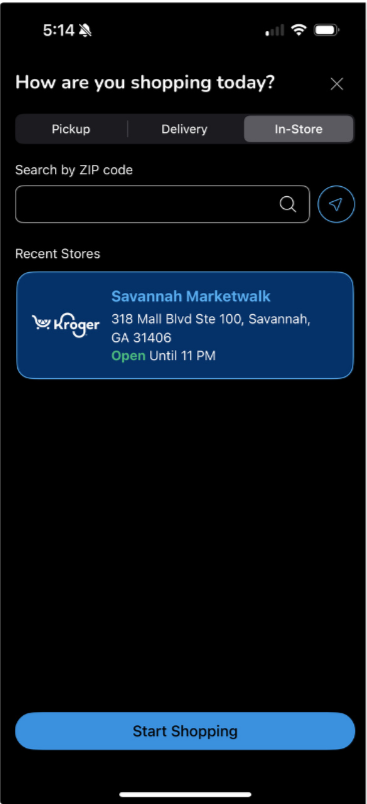
Digital Experience: In-Store App Add-On
Start In-Store Mode

Open Shopping List
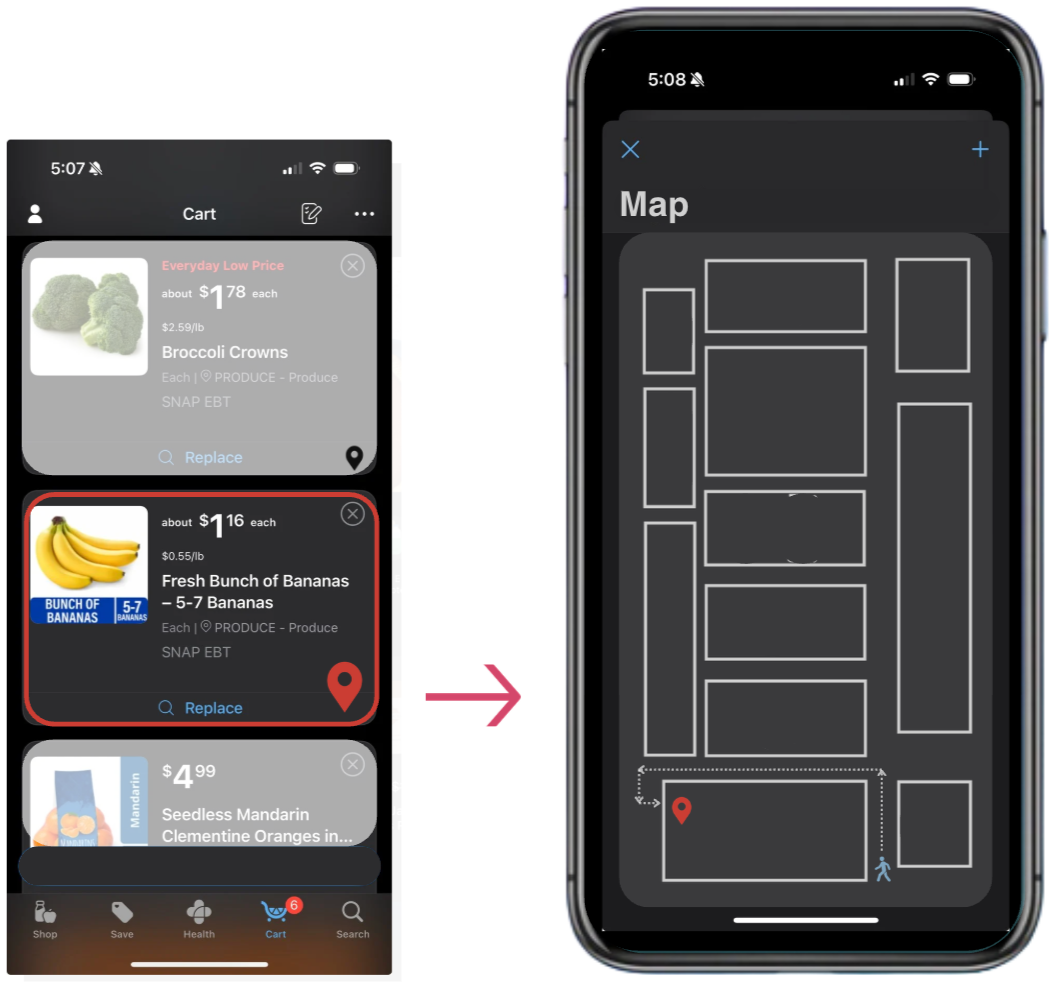
Select Item to Locate & Navigate via Map
Conceptual map view (not a real planogram)*
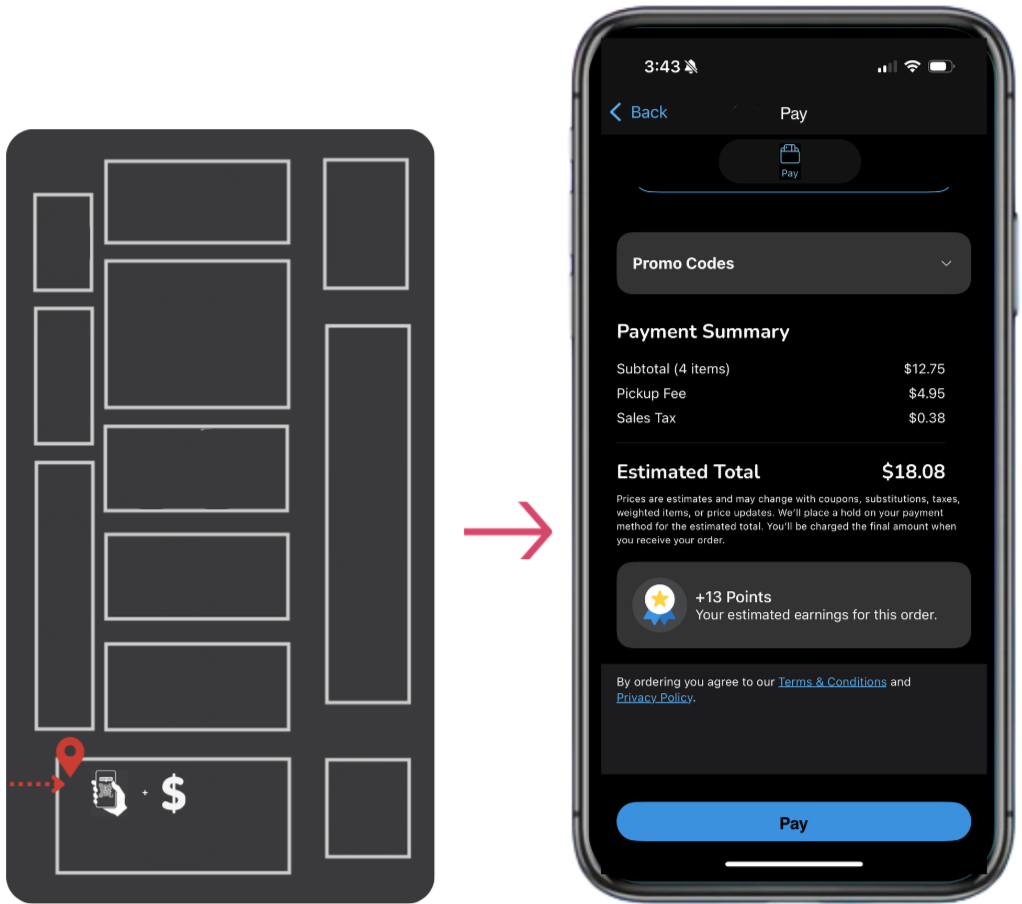
Pay at Aisle + skip checkout lines
A lightweight add-on that integrates an in-store map + scan-to-pay flow into Kroger’s existing app experience—helping shoppers stay organized, locate items faster, and pay as they go with less checkout friction. Feature Add-Ons:Locate on Map + Pay as You Go
Physical Experience (Shelf Interaction)

1. Scan Item

2. Pay

3. Item Released
A shelf-level touchpoint that connects to the Kroger app—allowing shoppers to scan, pay in-app, and securely take the item without waiting in line.
Solution Overview: Scan, Navigate, Checkout
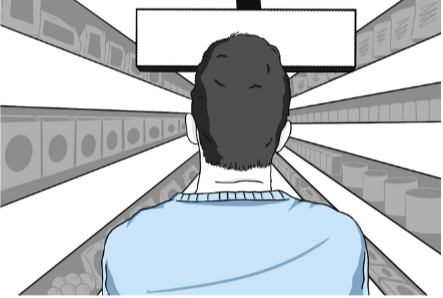
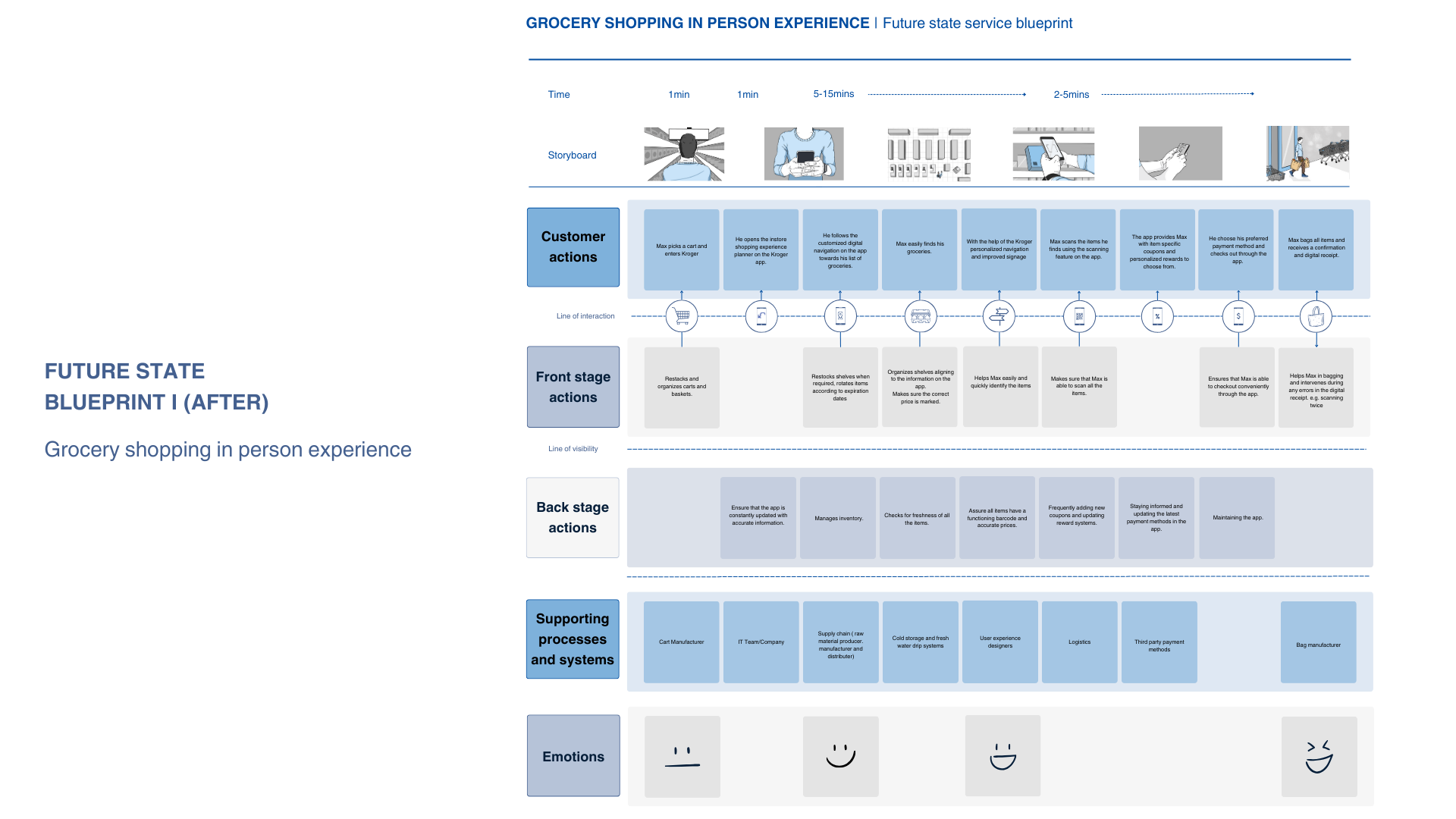
Scenario: In-Store Shopping Flow
1. Max enters Kroger and spots improved in-store signage

2. Max opens the Kroger app to begin shopping
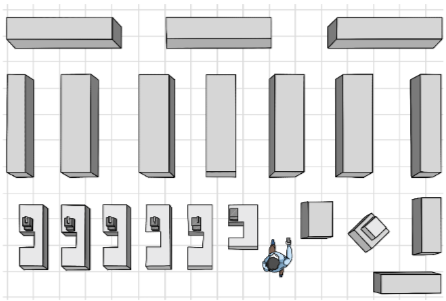
3. Max uses in-app navigation to locate his items
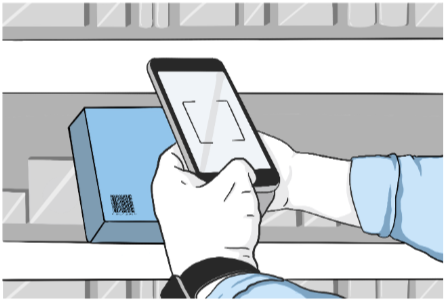
4. Max scans items as he shops
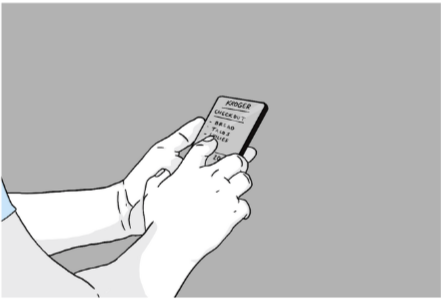
5. Max checks out in-app using Kroger Pay + coupons
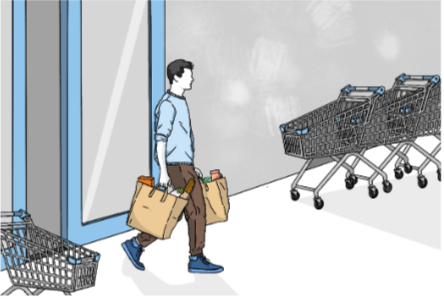
6. Max exits the store and heads home
Research Snapshot / Ethnographic Research
Audience: busy shoppers doing quick in-store trips (students + working adults)
Methods: ethnographic observation + employee interview
Participants: 30+ customers, 18 employees
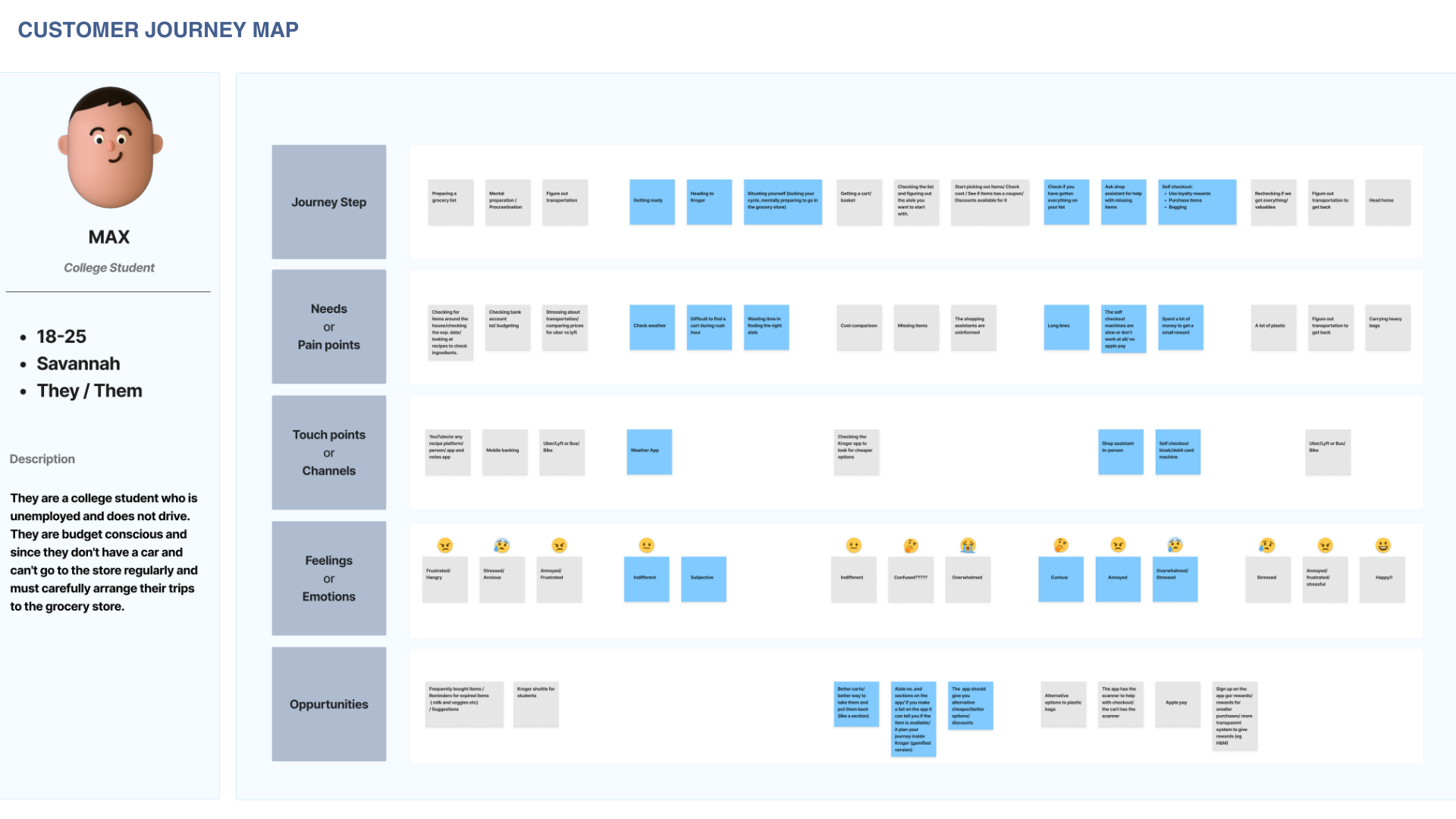
These insights informed the in-store map + scan-to-pay concept designed to reduce friction during fast shopping trips.
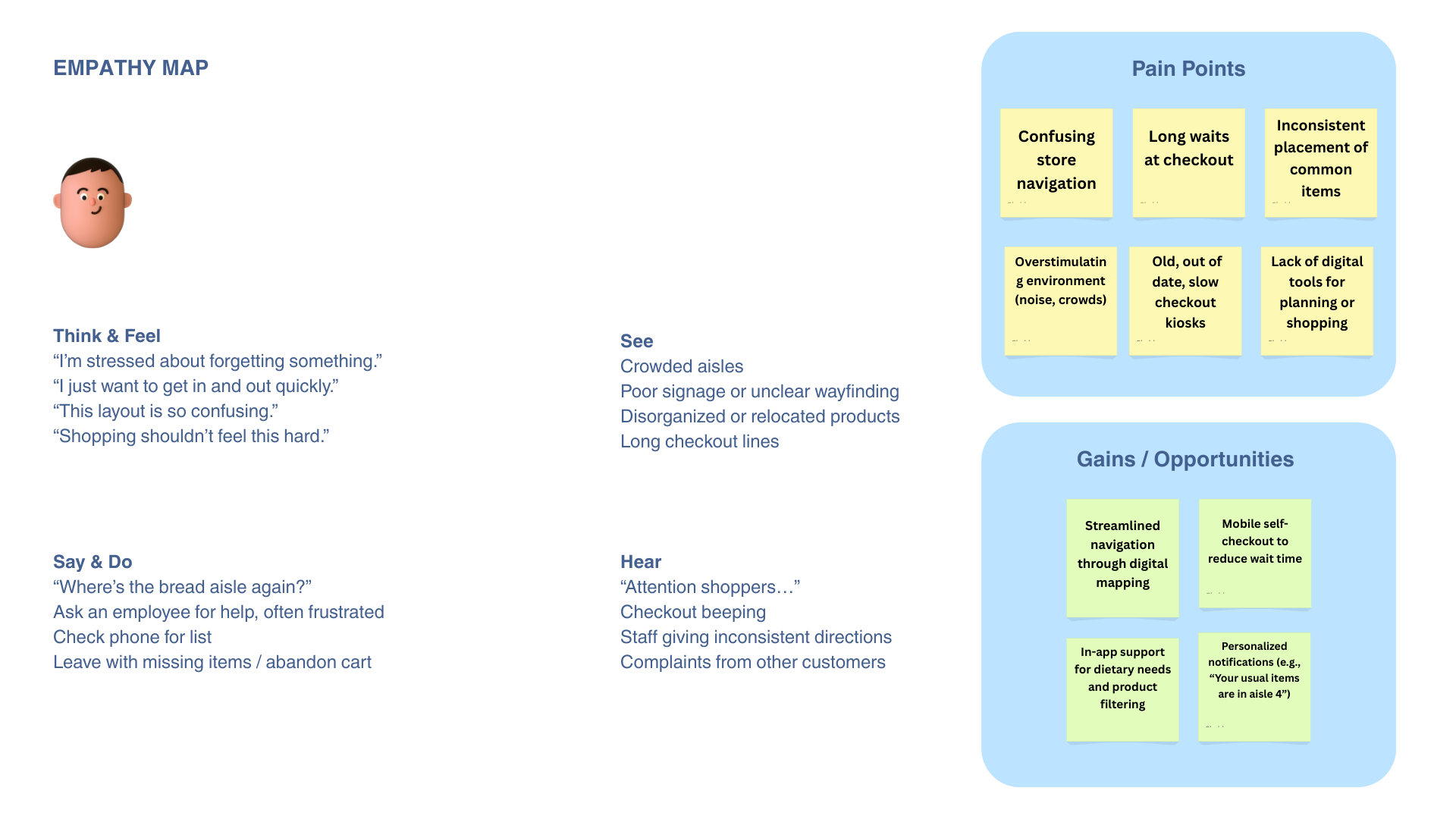
Focus: navigation friction, item findability, and checkout bottlenecks
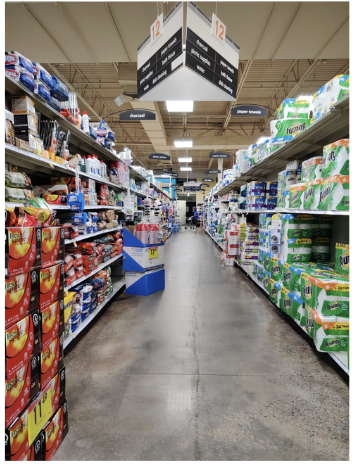
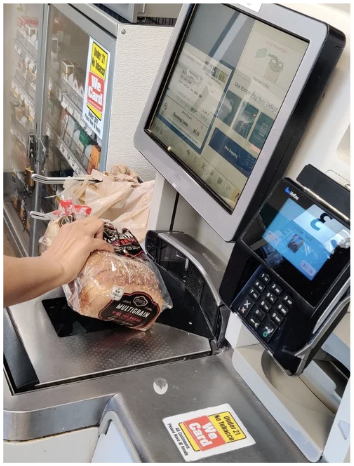
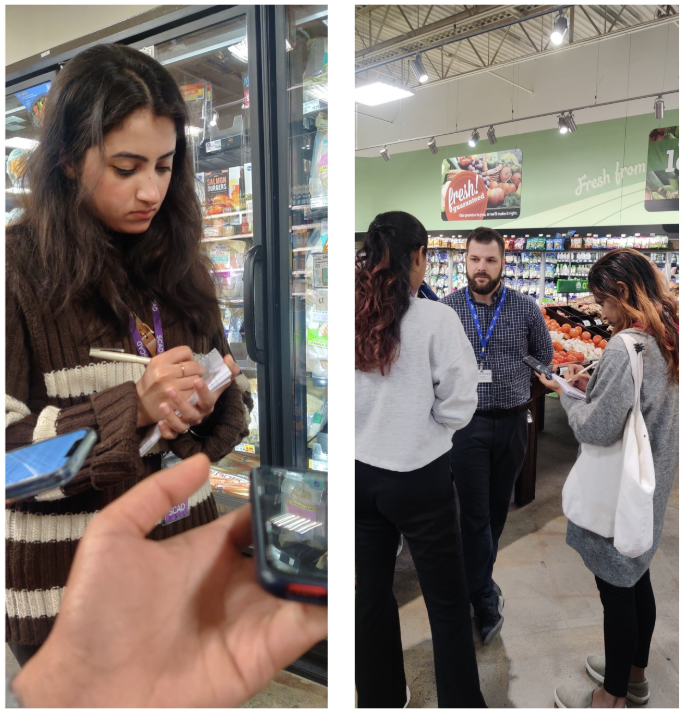
In-context observations and interviews inside Kroger stores (Savannah, GA) to understand real shopping behaviors and pain points.
Business Impact
Improving trip efficiency, reducing store congestion, increasing retention, and supporting basket completion drives both customer satisfaction and operational performance.
Key Insights
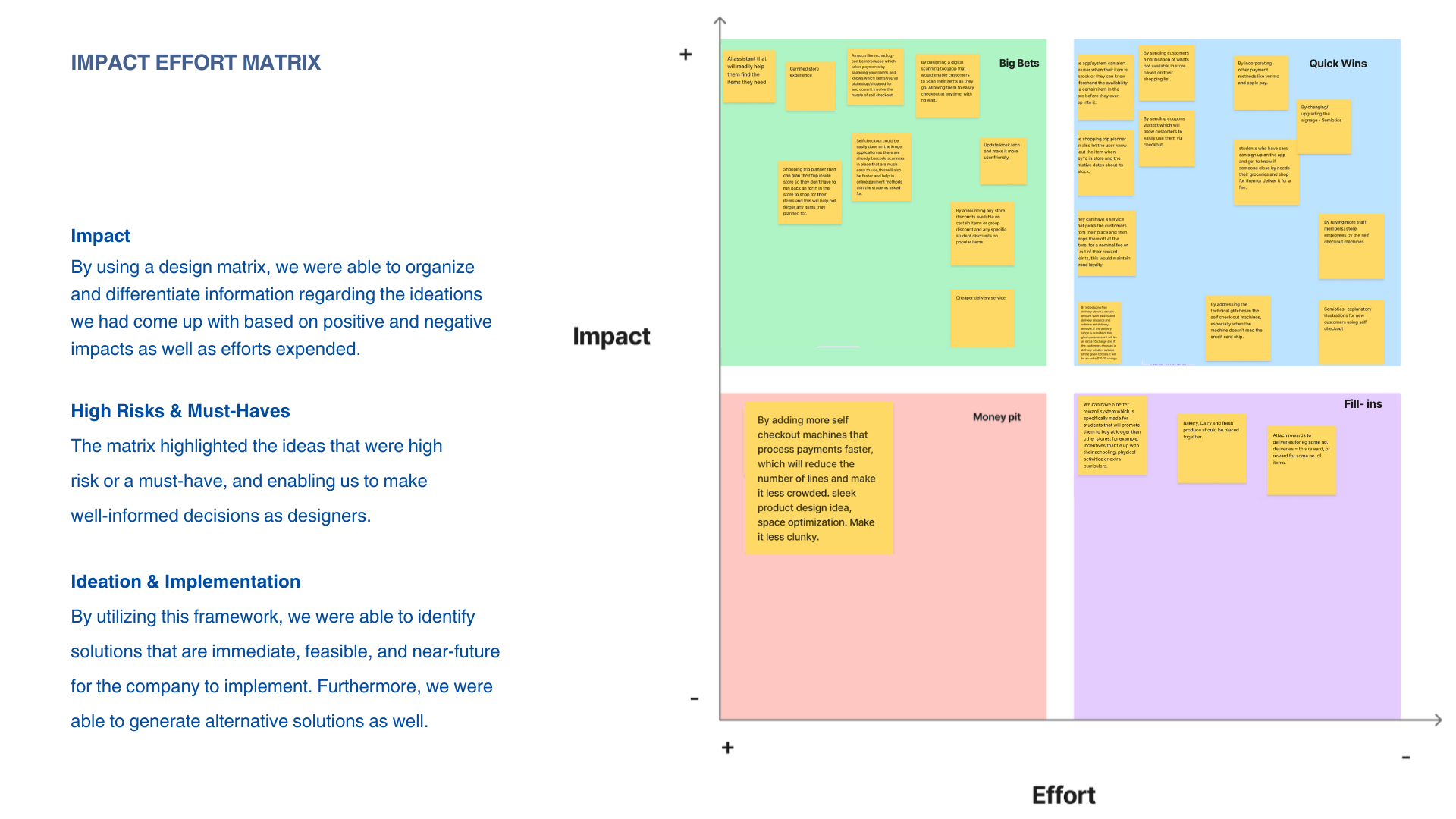
Navigation friction, checkout complexity, and predictability gaps revealed systemic inefficiencies across the in-store experience. Designed across digital, physical, and operational layers to create a cohesive in-store experience.

Accessibility
Next Steps (Future Enhancements)


Shared experiences
Personalization
A snapshot of the research and service design deliverables used to inform the final concept.
Process & Key Deliverables